My Health+ Mobile & Web Portal
Project Overview
Overview
As Principal Designer, I led UX strategy, roadmap planning, and design operations for the My Health+ mobile app and web platform, supporting over
one million active users across a 90+ person product organization.
During this initiative I built the My Health+ design system, mentored designers, and drove end-to-end experience design for complex workflows in partnership
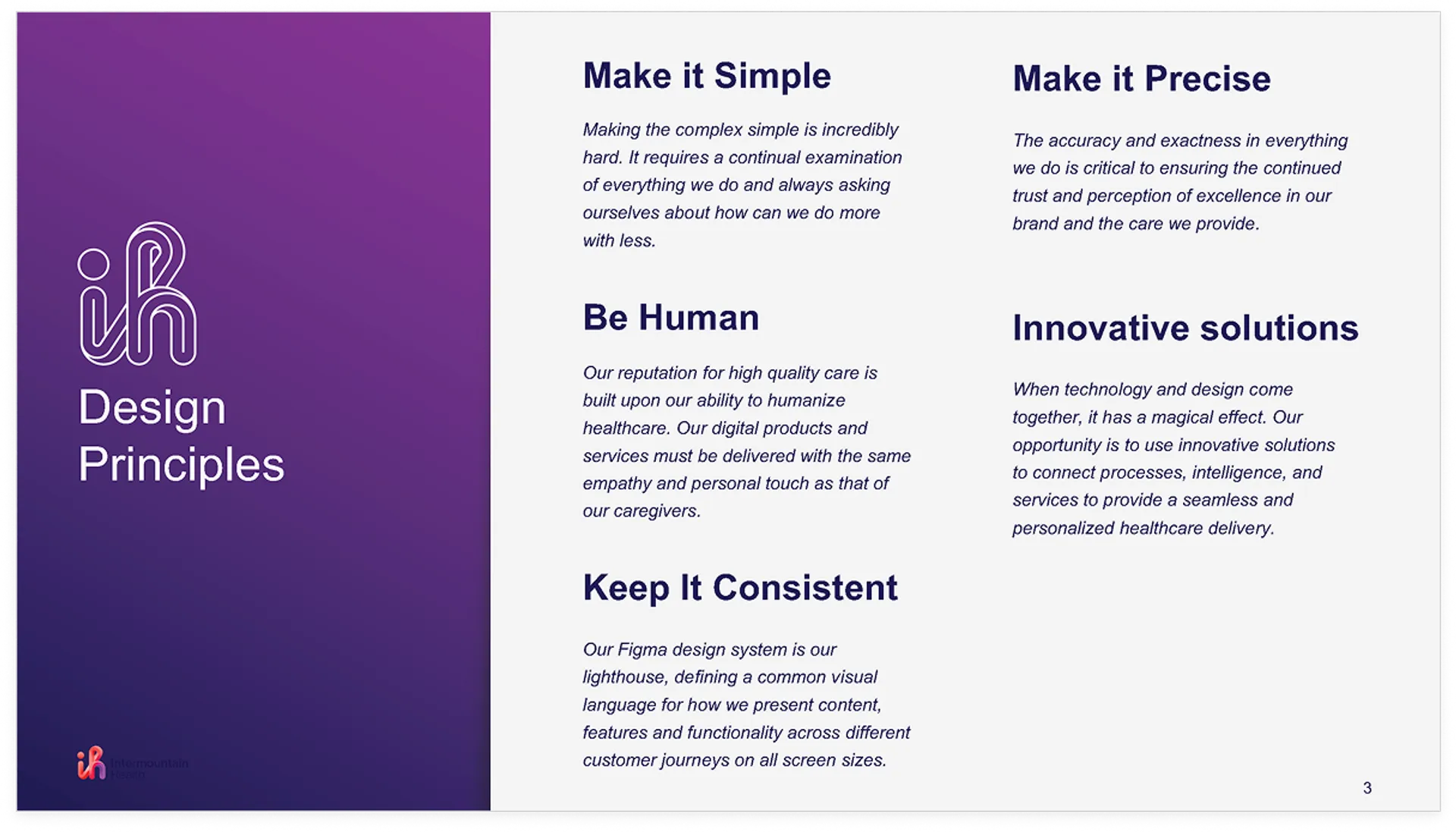
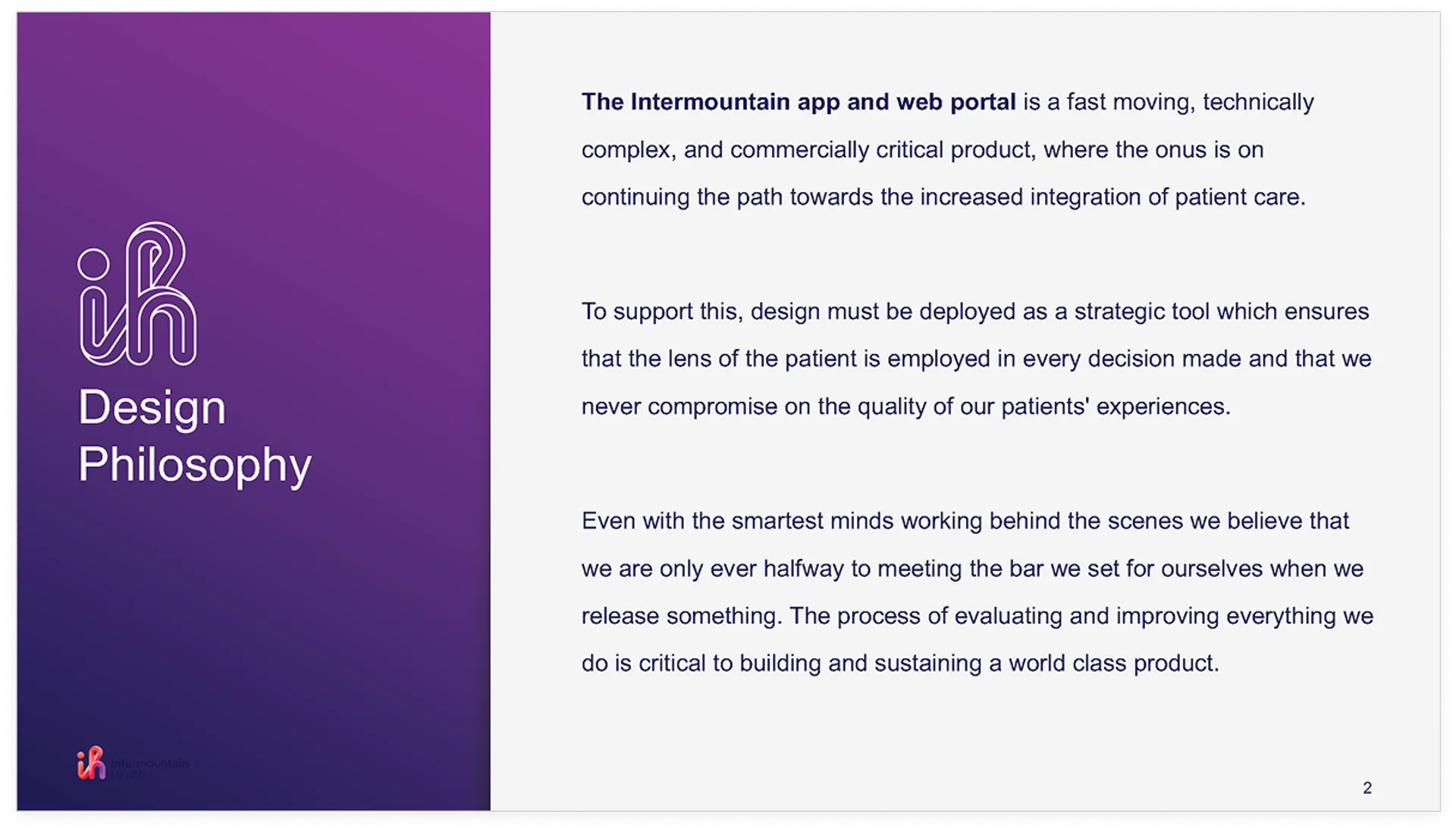
with product and engineering. My work established a patient-centered design philosophy grounded in simplicity, consistency, and precision—ensuring cohesive,
high-quality experiences across both mobile and web.
Challenge
The My Health+ mobile app and web portal serves more than one million patients. The challenge was not only designing individual features, but
evolving a large, interconnected healthcare ecosystem over time while maintaining trust, clarity, and accessibility during high-stakes moments.
Patients depend on the platform to manage their health all while navigating stress, varying health literacy, and differing levels of digital confidence.
Solution
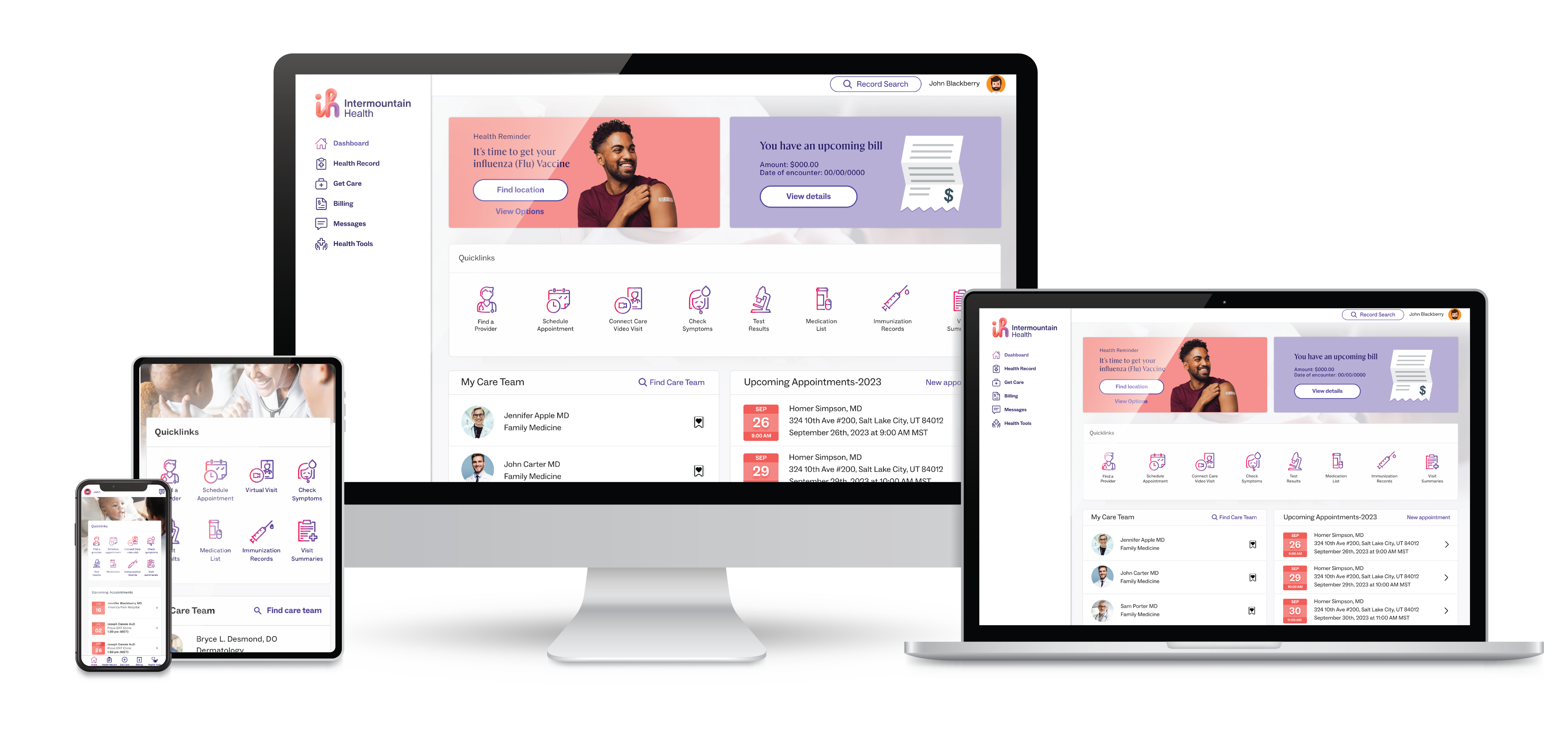
The solution was a single patient portal across mobile and web, covering core experiences like health records, registration, scheduling, test
results, messaging, billing, and care management. The work focused on aligning navigation, information architecture, and interaction patterns so
patients could complete the same tasks reliably across platforms.
To scale the product a shared design system, component standards, and layout rules were established so multiple teams could ship features without fragmenting
the experience. This system-level approach enabled continuous iteration, reduced UX debt, and allowed the platform to grow while remaining clear, consistent,
and patient-centered.
Impact Highlights
- Improved the MyHealth+ app rating to 4.54 stars (with 82% five-star reviews) and delivered 23% user growth through continuous UX optimization.
- Increased engagement and adoption (monthly 24% to 80%+, weekly +340%, e-visits +225%, online scheduling +700%, portal bill payments doubled), contributing to ROI and reducing bad debt.
Role
- Lead user-centered design across mobile, tablet, and web
- Translate research and behavior into actionable solutions
- Partner closely with product, engineering, and clinical teams
- Guide discovery, prototyping, reviews, and iteration
- Define information architecture, interaction models, and UI
- Build and evolve the design system for scale and consistency
- Lead research, workshops, and usability testing
- Advocate for design as a strategic business driver
TOOLS & METHODS
The work combined human-centered design methods with production-ready tools, including qualitative and quantitative research, usability testing,
journey mapping, information architecture, and continuous iteration informed by analytics and user feedback.
Design and delivery were supported through Figma, Adobe Creative Cloud, Storybook, Jira, and Confluence, User Testing with close collaboration alongside
engineering teams. The Design System itself functioned as a core product, enabling consistency, accessibility, and scalability across mobile and web
experiences.
PLATFORMS
IOS and Android mobile applications. Responsive web platform for all modern browsers.
The Process

Empathize

We started by closely examining the current experience and process to understand what was working, what wasn’t, and where the biggest opportunities lay.
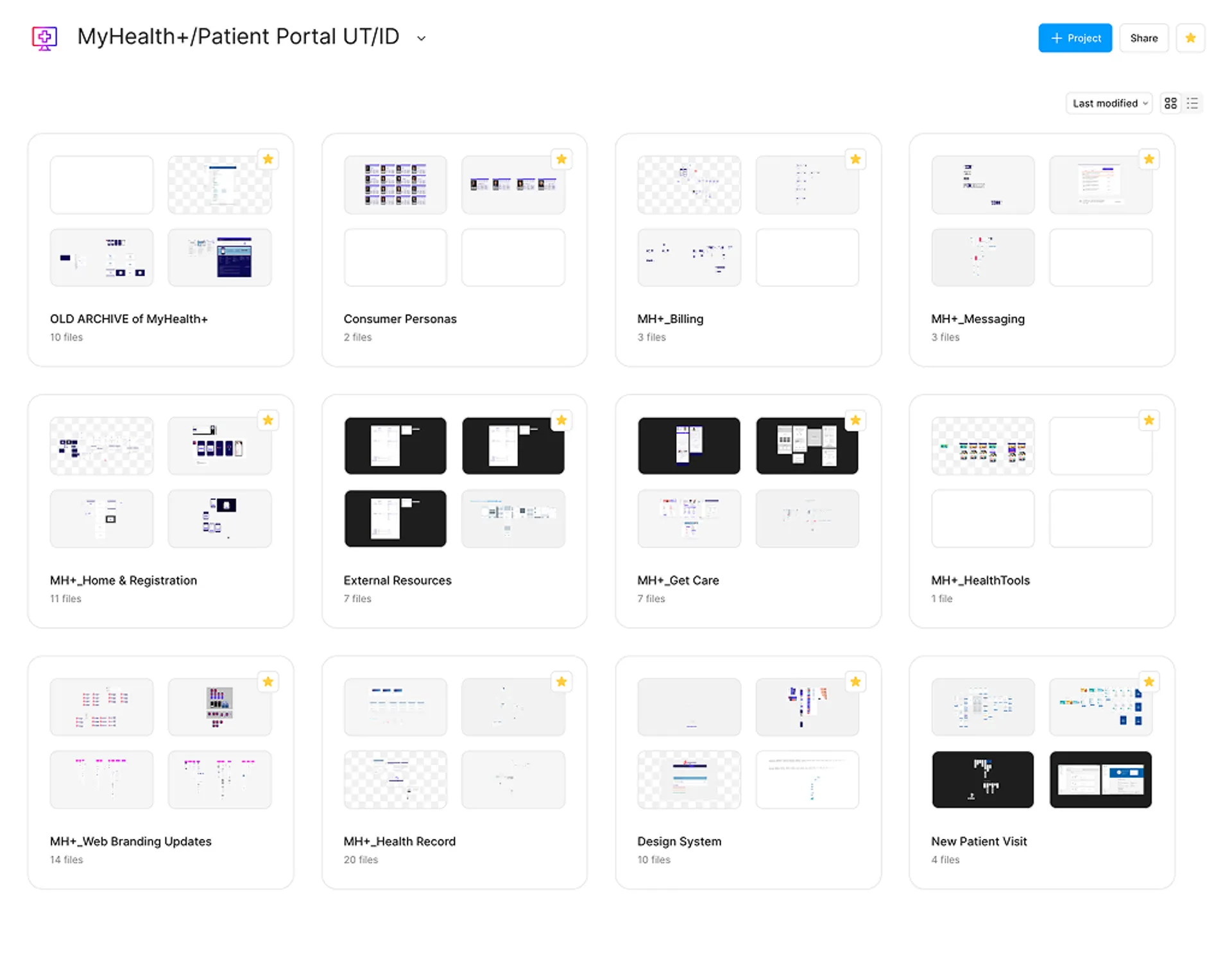
- Conducted cross-platform UI audits (mobile + web) to inventory components, tokens, and flows.
- Mapped key journeys: login, scheduling, messaging, payments, and health record.
- Analyzed competitor products to identify feature gaps and opportunities.
- Pulled from personas and testing to identify touch points and surface unmet needs and behavior.

Define

- Established clear design principles & Philosophy to align teams and decision-making.
- Created a governance model with contribution guidelines, versioning, roadmap and documentation standards.
- Defined the core system architecture—components and structure.
- Clarified roles, workflows, and meetings across design, engineering, and product.
Ideate

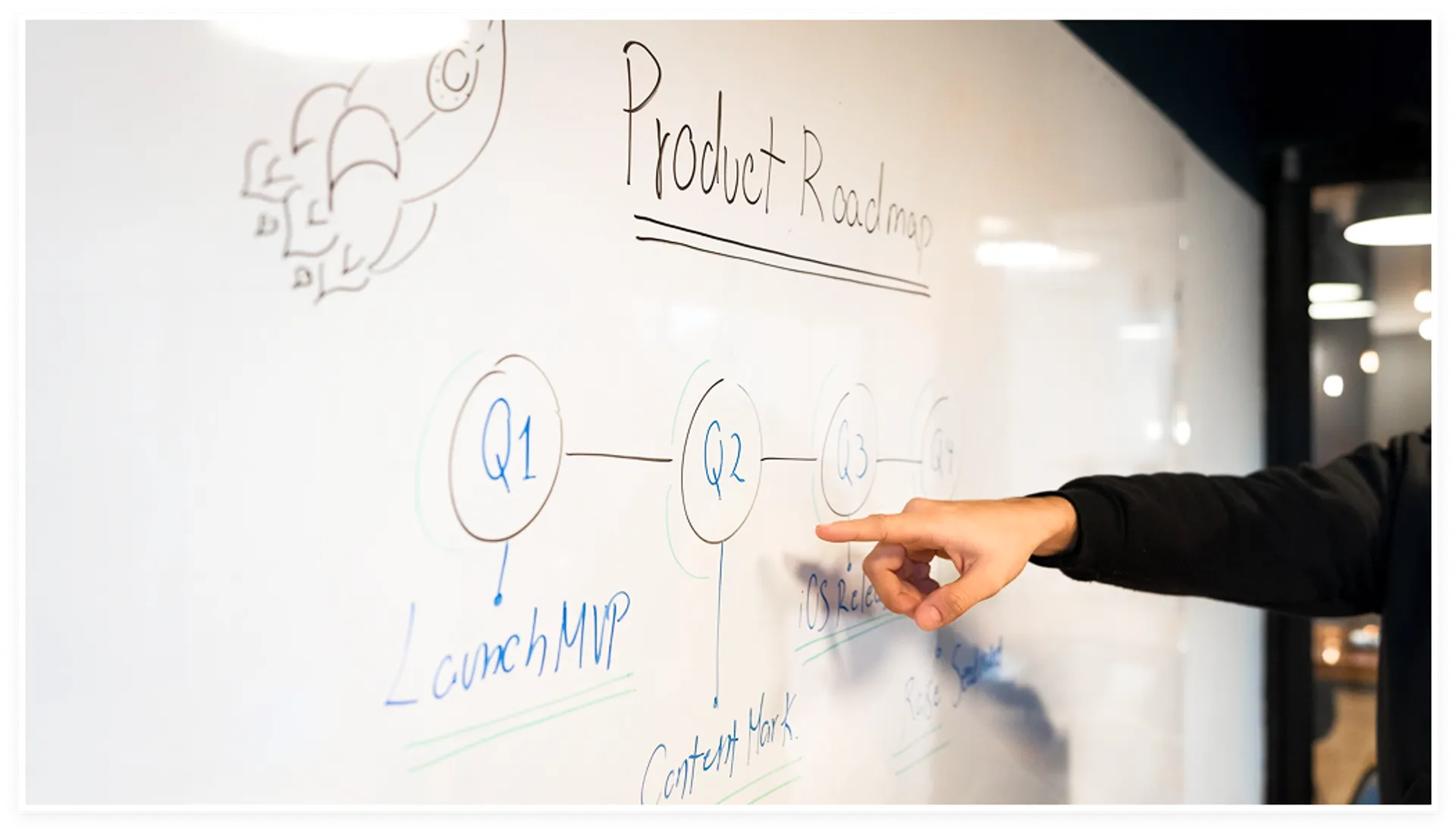
- Explored multiple design directions through rapid sketching and low fidelity prototypes to quickly evaluate concepts.
- Co-created early solutions with product and engineering partners to assess feasibility and reduce downstream risk.
- Experimented with component variations, interaction patterns, and layout systems to shape scalable, system aligned solutions.
- Pressure tested concepts against real user scenarios to validate clarity, accessibility, and alignment with product goals.
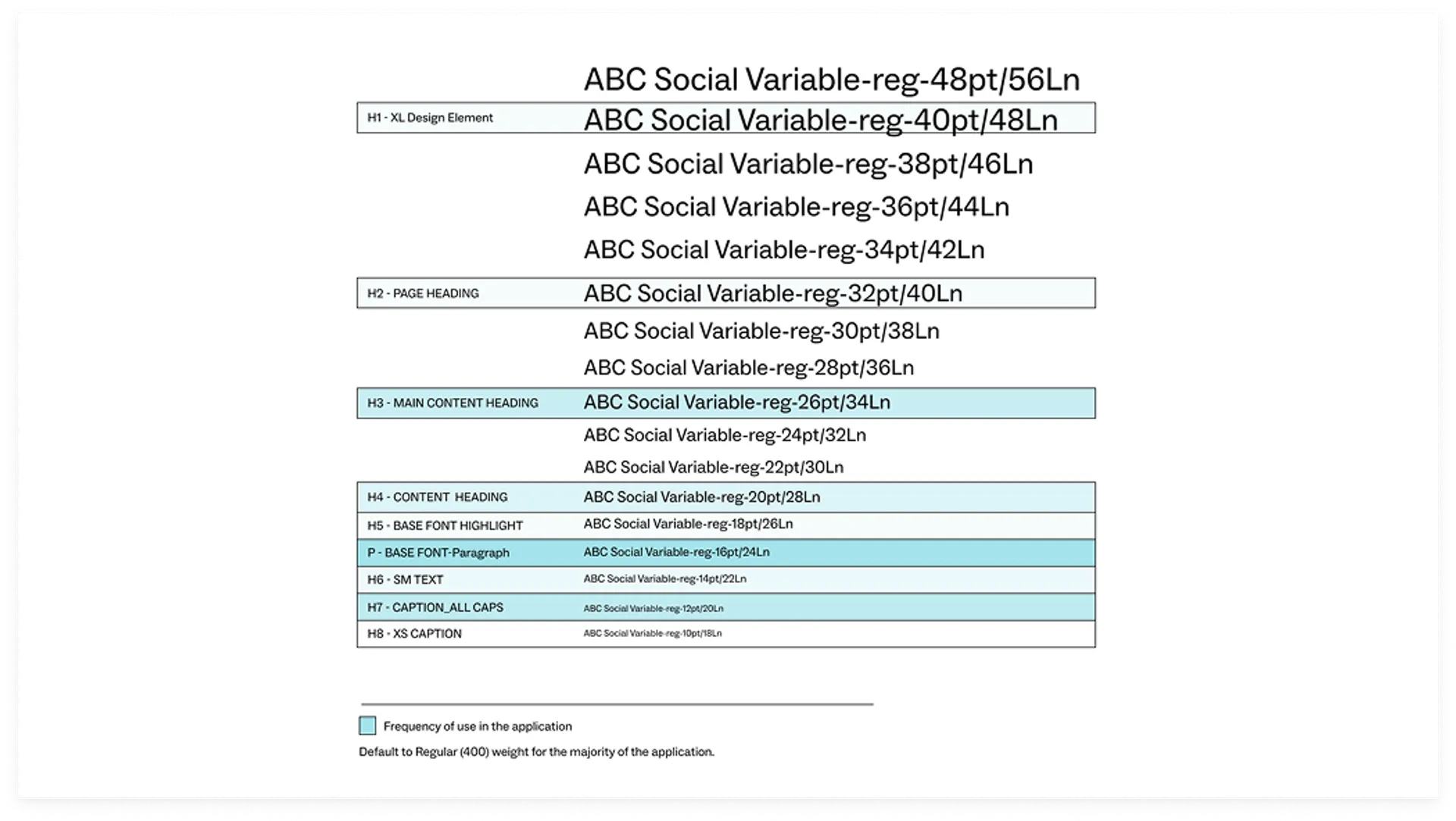
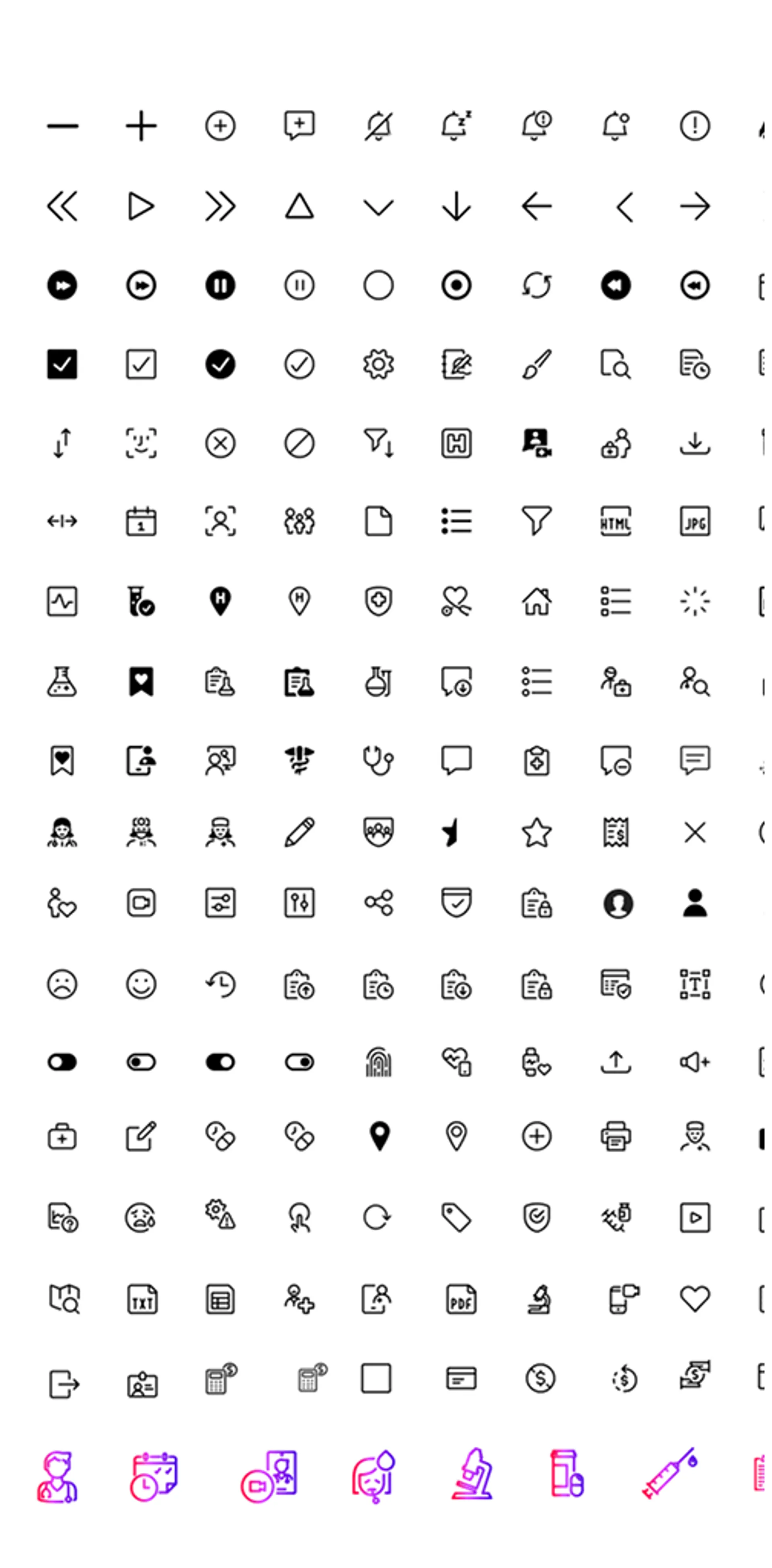
- Established foundational UI elements including typography, color, breakpoints, and templates to support consistency and long term scalability.
Prototype

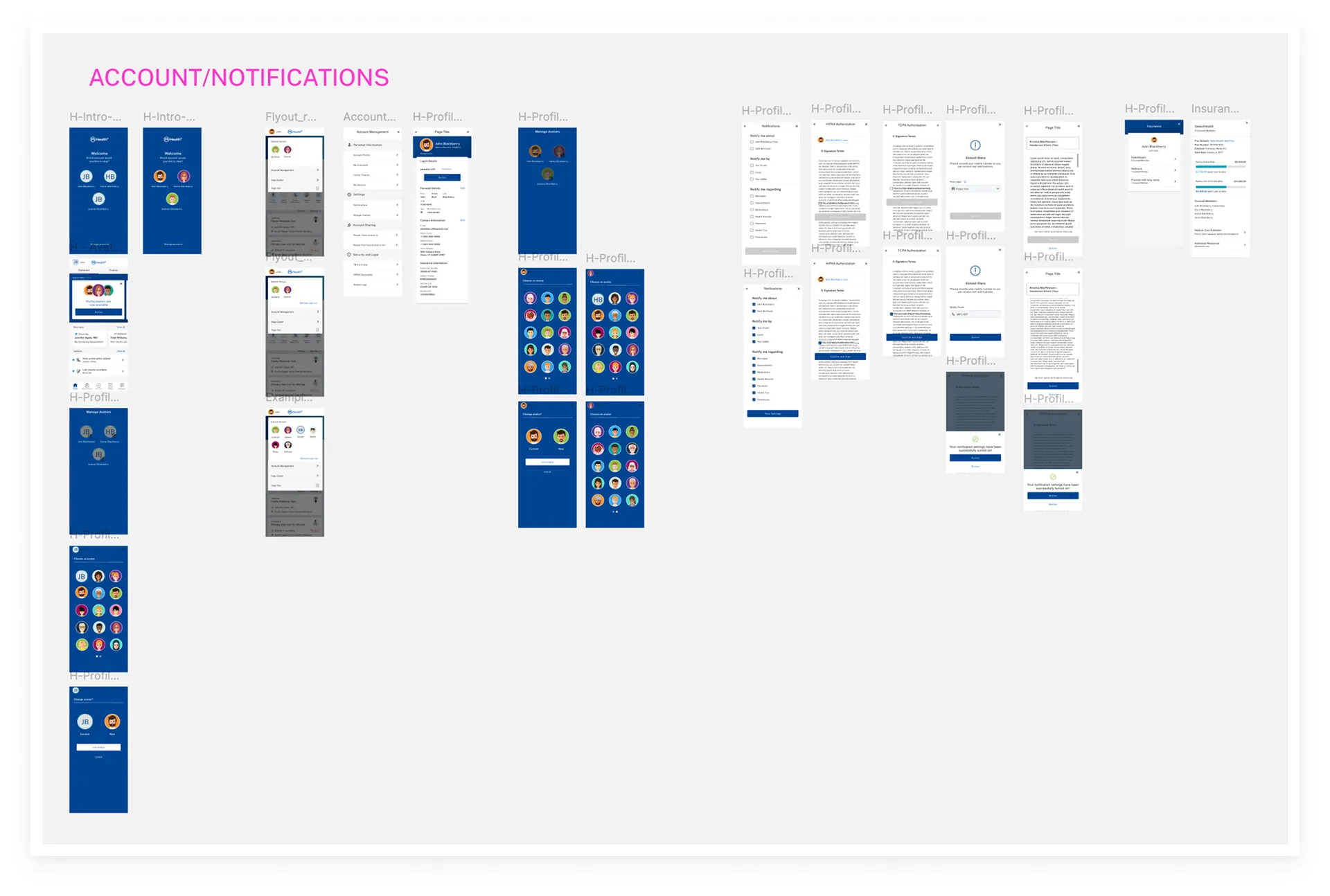
- Built mid- to high-fidelity component prototypes that sharpened core interaction models and accelerated adoption of consistent system patterns.
- Developed scalable pattern demos and flow prototypes that stress-tested cross-platform cohesion and informed system-level standards.
- Partnered with engineering to convert designs into Storybook-ready code prototypes, reducing ambiguity and derisking component implementation.
- Drove rapid iteration loops to harden accessibility, responsiveness, and edge-case resilience, strengthening overall design-system quality.
Test & Implement

- Ran usability tests and accessibility checks to validate components, patterns, and edge-case behavior.
- Introduced versioning, file structure, governance workflows to maintain quality and traceability as the system evolved.
- Monitored component usage in the live application to track adherence, surface gaps, and inform future improvements.
- Provided hands-on training for designers and developers to ensure adoption and usage.